Step 1: Download the App
To download the Roga app, click the button below. You can also find it by searching for "Roga” in the App Store (iOS) or Google Play (Android). After installation, open the app and sign up to get started.



Follow this step-by-step guide to set up your Roga device.
To download the Roga app, click the button below. You can also find it by searching for "Roga” in the App Store (iOS) or Google Play (Android). After installation, open the app and sign up to get started.
Gently clean the area behind your ears using soap, water, and a washcloth, then pat dry.
Snap a stimulation pad onto each ear hook from the electrode pack.
Place each ear hook over your ear, ensuring the stimulation pad sticks directly onto the bone behind your ear, with no hair trapped underneath.
Plug the lead wire and power adapter into your Roga device, then connect the device to your smartphone.
Can’t connect? Check our troubleshooting guide.
For Roga 1 version only
Slide the physical intensity slider upward on the device to a comfortable level. You may feel slight tingling, but it’s effective even if you don’t.
For Roga 2 version only
Move the intensity slider to the right in the Stimulation Intensity section under the Device tab of the mobile app. You might experience a slight tingling sensation, which can also be affected by the stimulation mode. The intensity setting does not impact effectiveness, so adjust it to your comfort level without hesitation.
To adjust the intensity levels during video sessions, tap the “+” icon to increase the intensity or the “-” icon to decrease it until you reach a comfortable level.
Use Roga daily for 20 to 120 minutes for optimal effectiveness.
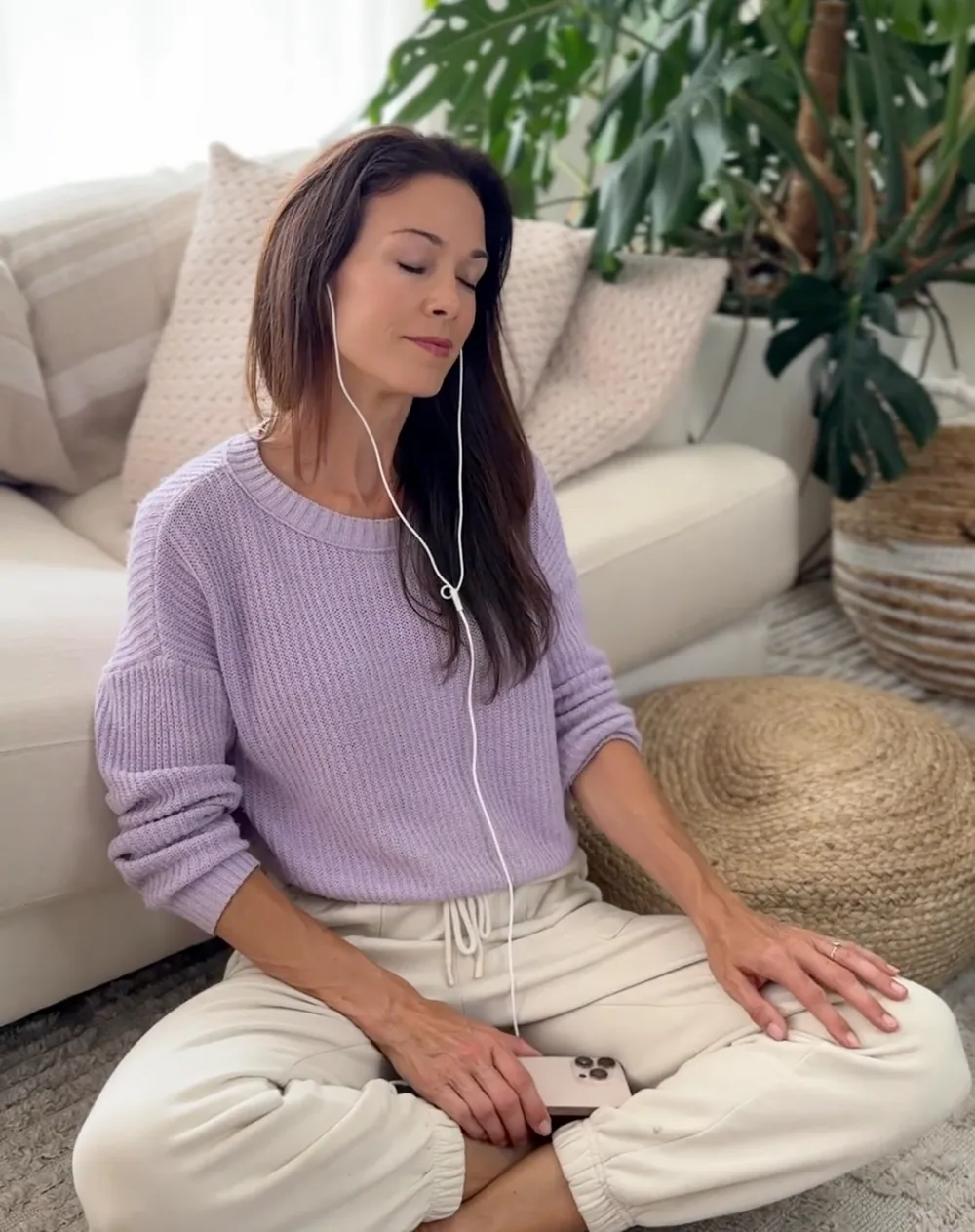
Unplug your device, gently remove ear hooks, place pads in their package, and store everything safely in the carrying case. Do not dispose of your pads after a single use; each electrode pad can be reused for 5 to 10 sessions.
Contact us if you’re having trouble setting up your Roga device. We’re happy to help!